Take orders without changing your POS
No need to install or switch to a particular company’s POS. Accept or reject orders in a browser on your existing phone or PC. Payment takes place at the restaurant.
Keep your POS · Create from one menu photo
Upload a menu photo to prepare a menu in 12 languages, AI sample images and QR ordering. Review dishes, prices, translations and images before publishing, and start today.
The owner verifies prices and extra charges before publishing.

QRmenuGO
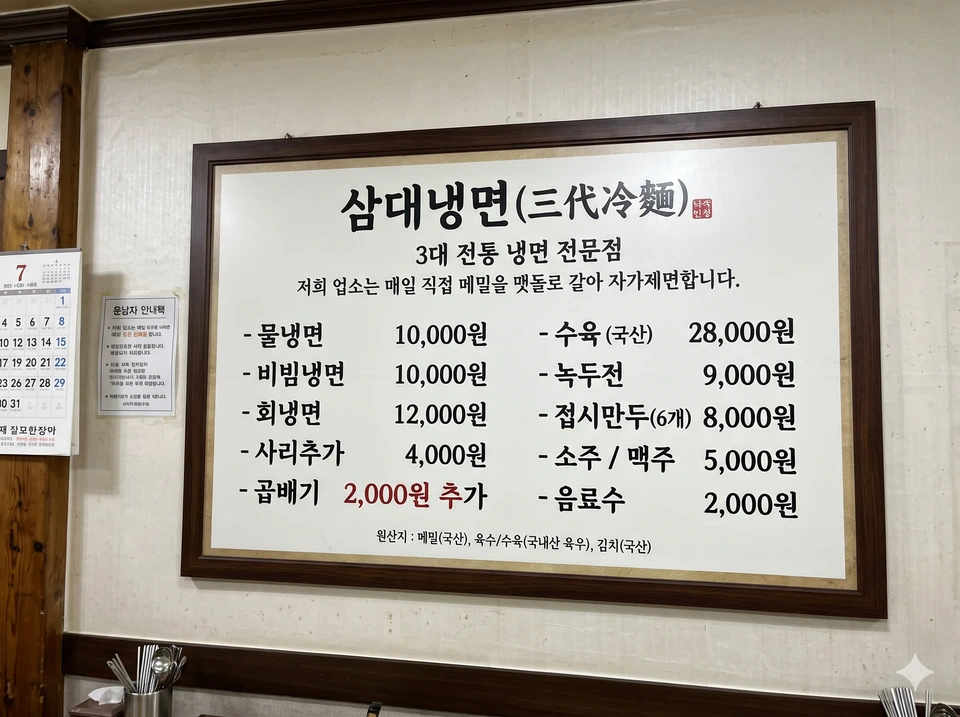
Provided menu photo
Preview the completed sample menu
No need to install or switch to a particular company’s POS. Accept or reject orders in a browser on your existing phone or PC. Payment takes place at the restaurant.
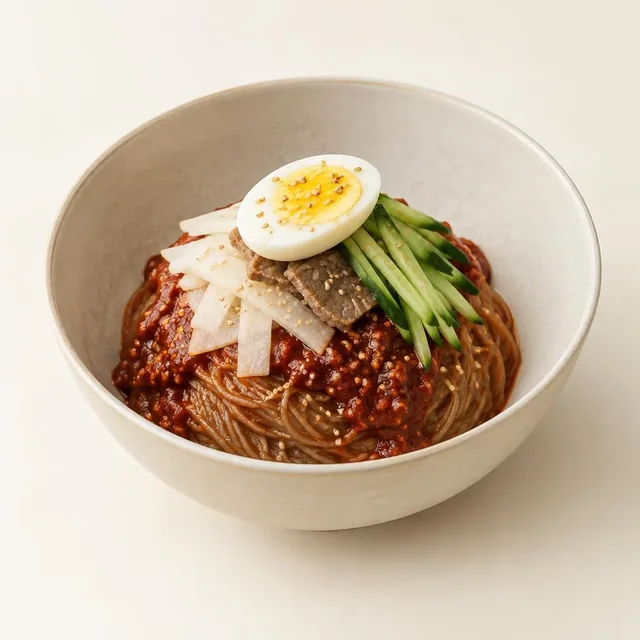
Create your own menu from a single menu photo. Missing food photos? Generate AI sample images for each dish. These are not photos of your actual food: review them before publishing and replace them with real photos whenever you like.
Present your menu in 12 languages, including Korean. Review dishes, prices and translations yourself before publishing.
Support for 12 languages does not mean every existing menu has been translated. Untranslated content is shown in the original language.
01 — 03
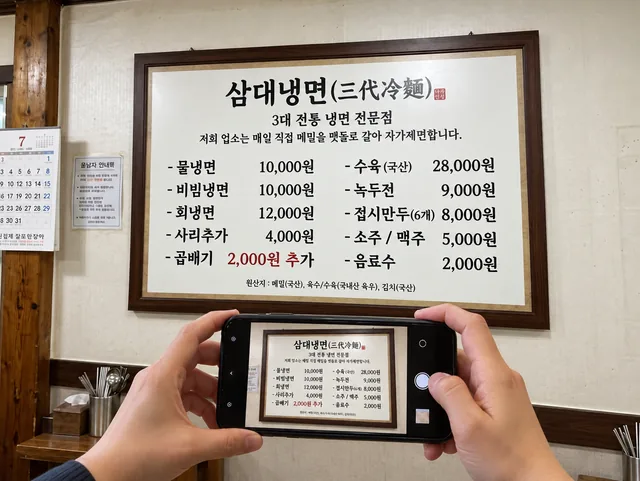
Use a clear photo showing dish names and prices.
Samdae Naengmyeon sample menu
Check names, prices and translations, then make your edits.
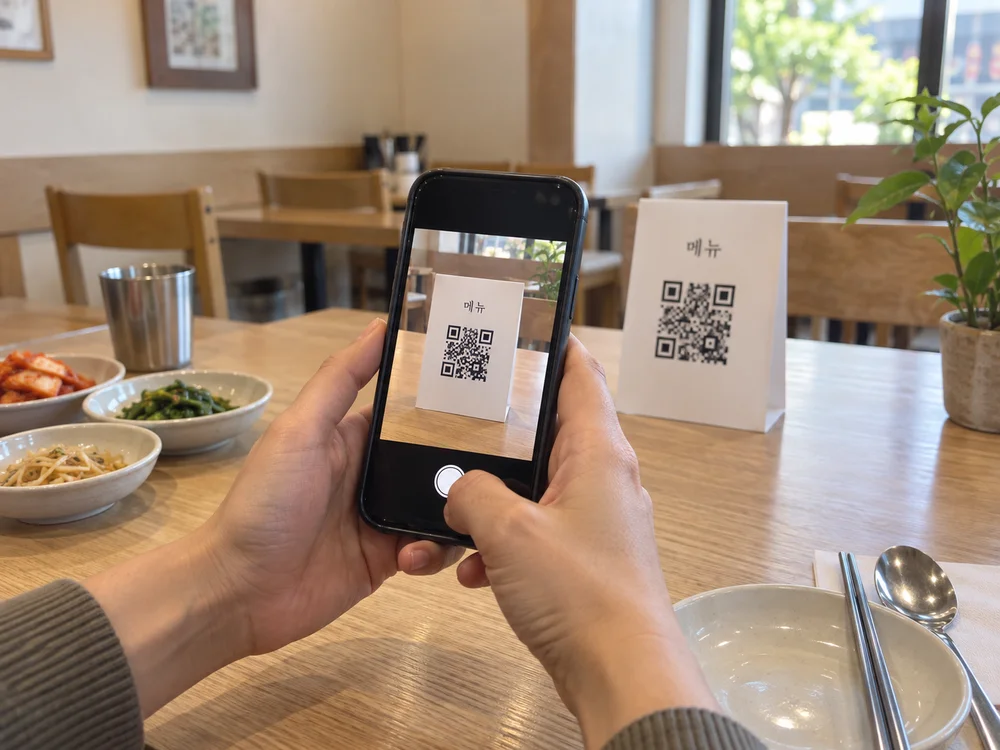
Publish the web menu when it is ready for guests. Download the QR and place it on tables or signs.
QRmenuGO · DEMO
Explore the Samdae menu, check names, prices and descriptions, then switch languages to see the QR menu.
Try the journey with the Samdae menu. This sample does not accept real orders or publish a restaurant menu. AI-generated food example · Not a photo from the restaurant. AI-staged illustration
Samdae Naengmyeon sample menu
Preview the completed sample menuEnglish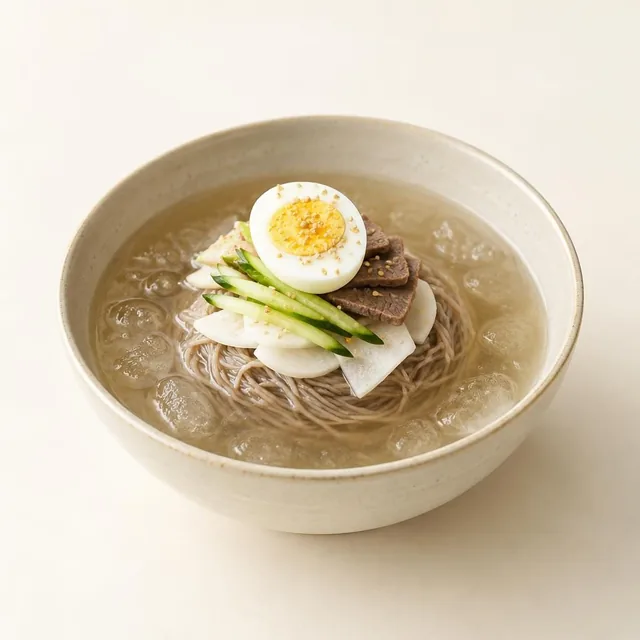 Mul-naengmyeon (cold noodle soup)Bibim-naengmyeon (spicy mixed cold noodles)
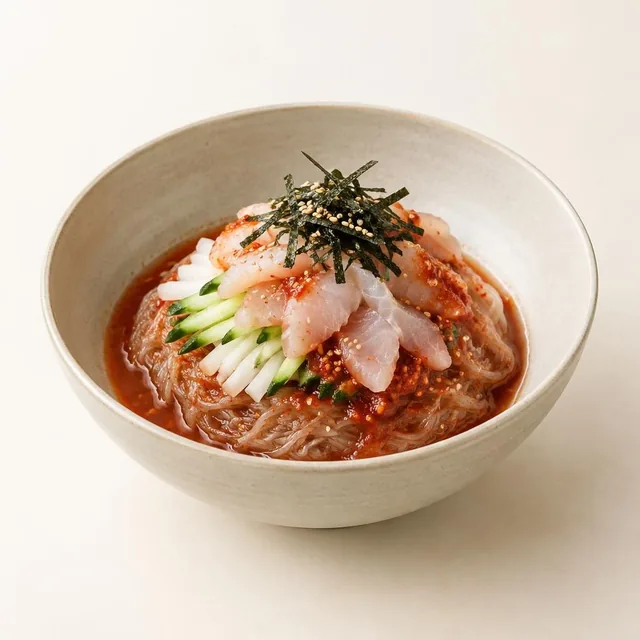 Hoe-naengmyeon (fish-topped cold noodles)
Prices are in Korean won (KRW) as shown on the menu. Extra charges are listed separately.
Keep your wording and check every price and extra charge. AI translations, descriptions and photos are drafts for you to review before publishing.
Yes. Enter your menu directly on the creation page, or edit a photo-based draft before publishing.
Editing and republishing the same menu updates its existing address. Creating a new menu creates a different QR address.
AI results are drafts. Review names, prices, translations and the actual appearance of your dishes before publishing.
Editing access stays in the browser that created the menu. Keep using that browser and save a JSON backup. Access does not transfer automatically when cookies are cleared or devices change.
Create your menu and take orders with your existing POS. Review dishes, prices, translations and images, then publish and start today.